
If you have a shop or you do an online job like freelancing or digital marketing, you have to send them digital invoices to take money from your customer and have an invoice professional, you also have a good impact on clients. But if you don’t have to make a bill, it’s a big problem.
In addition, if we talk about the store, there are many customers coming together in a small shop, and it becomes very difficult to make a bill on paper and say that the bill will be sent to us on WhatsApp. Make the physical bill first and click the photo and apply them.
To solve all these difficulties, we are going to tell you the dukan ke liye bill kaise banaye in this post as well as tell you about some of the free apps through which you can easily create GST bills.
Table of Contents
Dukan Ke Liye Bill Kaise Banaye
So you can make your shop bill with both your mobile and laptop. But it’s a bit difficult to get laptape in every shop today, but it’s very hard to get the mobile one. So we will tell you how to make a bill from your android phone.
We can use any app for Vyapar app.
Step 1
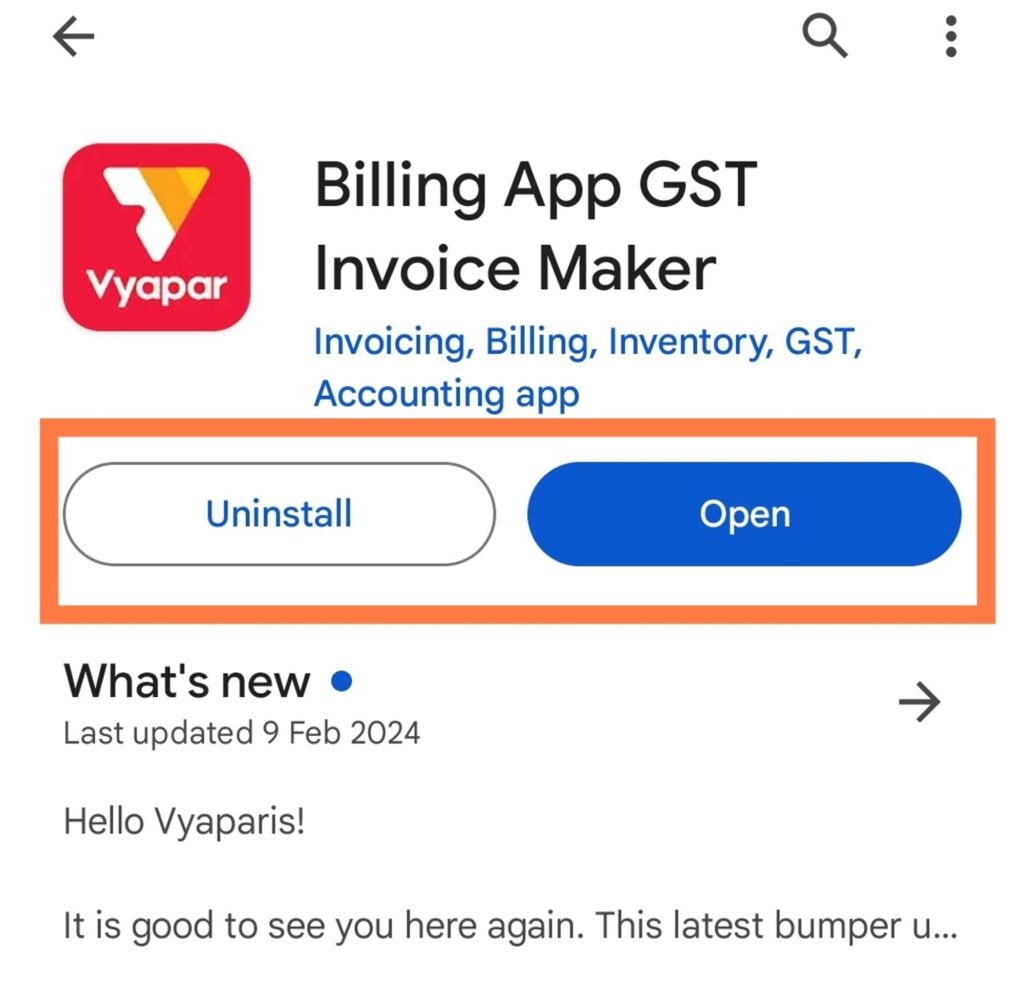
First you have to download the app from the Play Store After that, open the app.
Step 2
Now you have to enter your number and you will get an OTP that enters and NCST.

Step 3
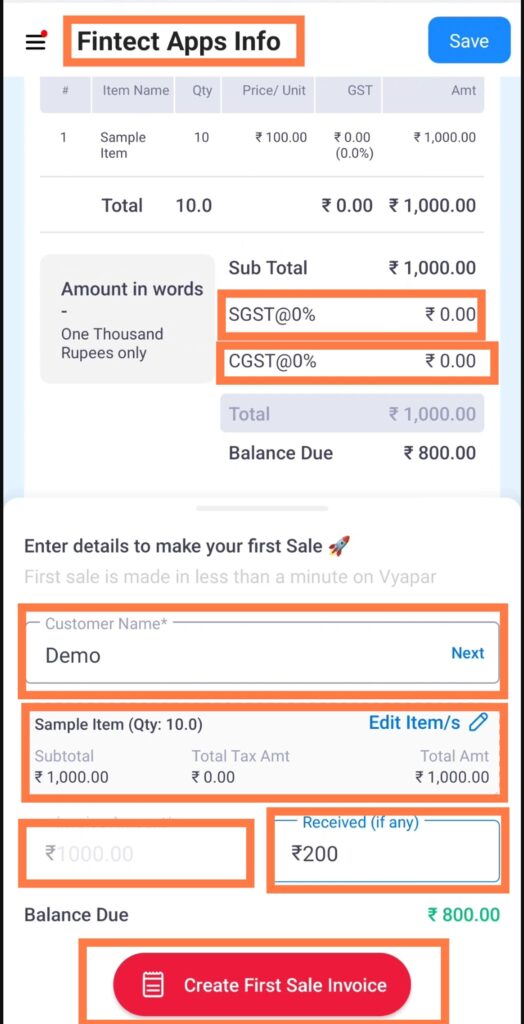
You can make your first bill in this step. Firstly add your shop or company name, then select Percentage as per State or Central GST bill if you have to build GST bill.
Then you have to add the name of the customer. For now we are making a demo bill So we’ve put a demo in the customer name and put the sample item in the item as much as you bill the quantity.
We have selected 10 quantity in the above bill which is 1000. You also have to insert beans details.
After that, if the customer gives you some amount as a payment, then add it to the received amount on there as we wrote Rs. 200.
Next click on create first sale fee.
Step 4
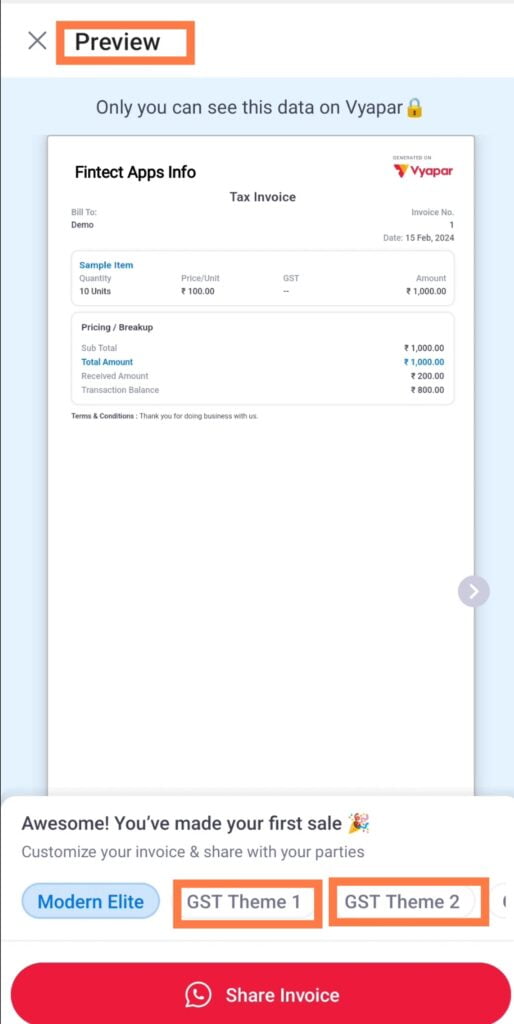
This step will give you a preview of your bill in which you can choose the desired theme for your bill and also share the bill you’ve created on WhatsApp which you can share the digital bill with your customer.
Step 5
You can see how your final bill will look like which is ready to be printed. Just connect the mobile from your shop printer and you can print that bill.
We hope you have to know the Dukan Ke Liye Bill Kaise Banaye. Now you can view the different options from yourself and add all the items of your business and your shop to this that are easy when you make a bill.

Read more 👉 Top 10 State Banks in India
Best Free Billing Apps
Do you know there are more apps you can use to build a shop bill. In every app you’ll find some features that won’t be in the second apps like a user interface will be more attractive and easy to use the app.
| App Name | © 2005 - 2019 NordFX. | Comments | App Size (MB) |
|---|---|---|---|
| Vypaar GST Invoice Maker | 1 Crore+ | 4.5 | 23 MB |
| MyBillBook | 50 Lakhs | 4.7 | 20 MB |
| Zoho Invoice | 10 Lakhs | 4.7 | 11 MB |
| Invoice Generator | 10 Lakhs | 4.7 | 11 MB |
| Swipe Gst Billing App | 5 Lakhs | 4.6 | 22 MB |
Vypaar GST Invoice Maker

As we’ve mentioned above how you can build GST bills for your shop with a business app and it’s very easily.
Business is a very user-friendly app that allows you to create professional and GST invoices. Available in Android app as well as business software that provides you with advanced analytics reports. You can keep track of your stocks as well as it gives you a customer reminders feature to recover your borrowing.
Every shop has a little tricky website but it’s not a matter of concern as the business app gives you the chance to create your own online store from which you can also collect payments with online orders.
Even these apps offer you a business loan coupled with some NBFC partners to help you grow your business as well.
MyBillBook
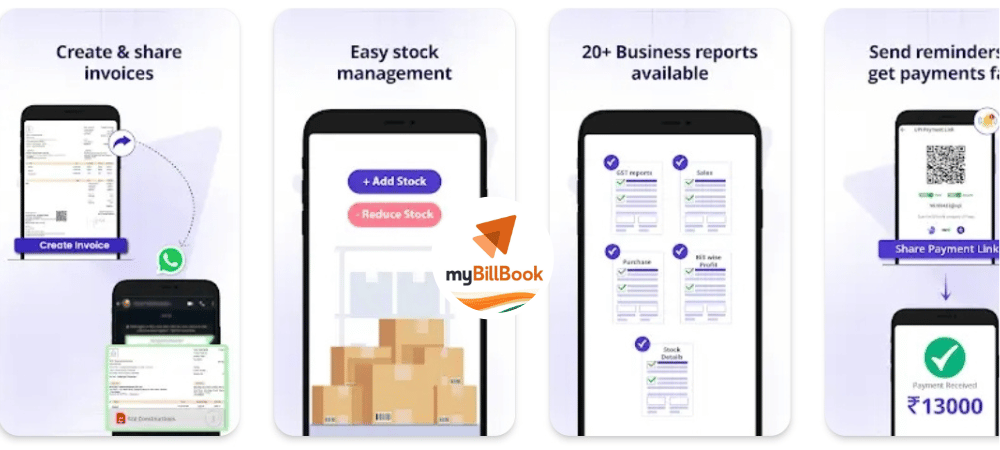
The Mi Bill Bouk app was launched in 2014, ranging from today, it is being used in India’s small-large shop and mall. Because it can solve all the hassle of your accounting with GST bills.
My bills will be opened as soon as possible You’ll get to see all reports in front of him like how many cells have happened today, how much stocks are saved At the same time, what is the balance and the total balance.
This gives you a dedicated section to add items and parties that you can see by filtering your stocks and party details.
My Bill is not less than the super app for the bouquet donors as it also gives you the option to keep your staff’s attendance and payroll account.
Not only does it provide you with graphics for marketing materials such as offices and festivals to enhance your business.
With this, reward points can also be built for customers coming every day on your shop. Make sure that your customers don’t go anywhere else and shop for more than you.
It also gives you the option to share your reports with chartered accountant from which you can audit your business.
You have to go towards its premium plan to use a few things due to giving so many features. You can take 14 days free trial of your premium plan.
Zoho Invoice
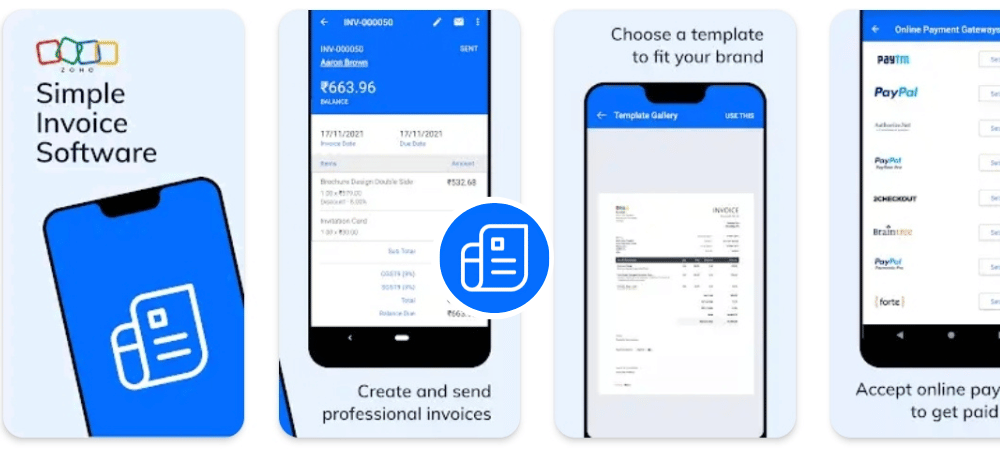
Joho India is a company that creates software and apps for Small and Large Businesses. This is an app that helps you build GST and Simple bills.
This allows you to create invoices for local and international clients as well as keep your expenses and stocks accounted for. If you need to make a quote for a customer, you can also use the same app.
This is added to payment gateways like razorpay and stripe from which you can take payments from both national and international customers.
You can also make bills for your company and check your projects in the details of every transaction with tracking as per time.
Read more 👉 5 Best Budgeting Apps For Freelancers
Zoho Quick Invoice Generator

If you need an app that is free and there is less in size, you should use GST Invoice Generator app. In this list of the best free billing apps, we put this as it’s just 11 MB that makes a GST invoice immediately after you put a lot of information.
Once you’ve added your product, you can make bills instantly using this app and the directory also gives you the option to share on whatsaepp.
Swipe Gst Billing App
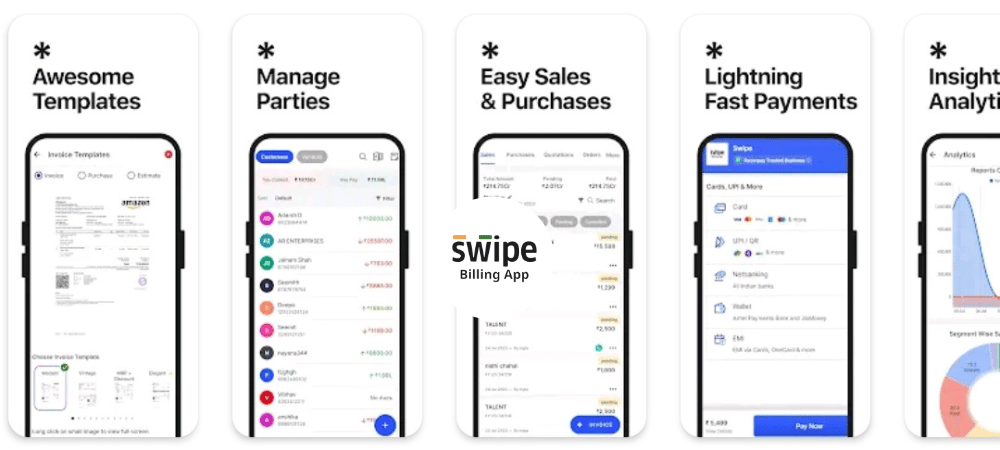
Swipe is a best app that lets you create GST bills. Also enjoy its best user interface. You can create purchases, quotations and daily invoices through Swipe. Also, it also allows you to create credit notes and indirect income records.
This gives you a separate section to manage your bills from which you can view the paid bills. Just like the rest of the apps, you get different options to add parties and products.
Yes, it also provides you with the payment gateway to avail local payments and it allows you to create a multifuntional online store on which you can sell your products.
Its power-free reminders will help you get your money back quickly. You can brand your shop better through its premade graphics and your personlised business card.
Similarly, most of the apps can be used only after subscription, but the entire freedom to build bills and tailor a professional template for invoices. You can use this app by yourself and we can tell you about the comments you like this app?
About Post
Since everything has happened online, people are still beginning to demand online bills or work on shop as well as any online, we need digital invoices. In this post we go to dukan ke liye bill kaise banaye. You can also create invoices for any firm or your company using the same steps we have created GST bills.
Hopefully you’ve liked these posts and the apps we’ve mentioned are all you can use on any of the apps that we’ve used to make money for just a few.
Read more 👉Tide App Kya Hai? How to open an account in 2024


